
main KB https://kb.vmware.com/s/article/50101945
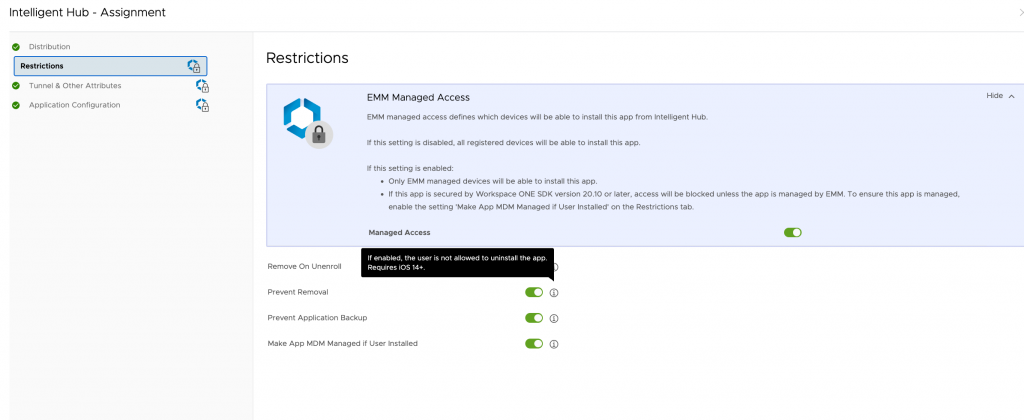
How to restrict/prevent users from uninstalling the Intelligent Hub
- Navigate to Groups & Settings > All Settings > Devices & Users > Apple > Apple iOS > Intelligent Hub Settings.
- Select “Disable Un-Enroll Option in Intelligent Hub” and click Save.
For Supervised devices:
- Disable the “Allow app removal” restriction.
- Save and publish an iOS profile.
Hide Agent
https://github.com/tsmagnum/WorkspaceONE/blob/master/hide-installer.ps1
บน iOS + Apple Business Manager
https://kb.vmware.com/s/article/80539

Leave a Reply